How to email large photos without losing quality
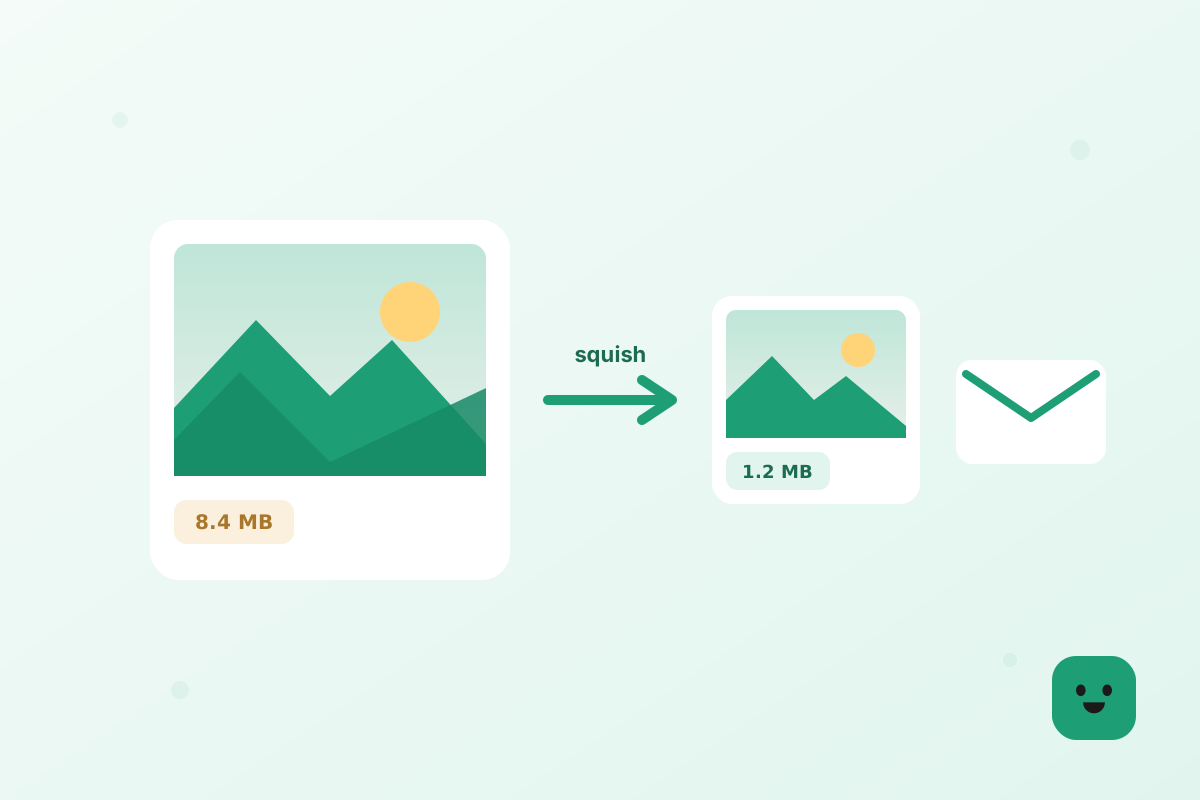
You tried to send a few photos from your phone and your email bounced them back: “attachment too large.” Annoying — but easy to fix. Here’s how to get crisp photos under the limit in about a minute, without uploading them anywhere.
Why your photos are too big
Modern phone cameras shoot 12–50 megapixel images. A single photo can be 5–12 MB, and most email providers cap attachments around 20–25 MB total. Three or four photos and you’re already over.
The good news: email is viewed on screens, and screens don’t need anywhere near that much detail. Trimming the size barely changes how the photo looks.
The quick fix: resize, then compress
Two small steps do almost all the work. First resize the dimensions down to something screen-friendly, then compress to shave off the rest. Both happen right in your browser.
PXTry the toolResize imageOpenKeeping it sharp
Worried about quality? At 1200px and a high compression setting, the difference is invisible on a phone or laptop screen — but the file is often 80% smaller. If you’re sending a photo to be printed large, keep the long edge at 2000px instead.
Sending a whole batch
For a dozen photos or more, resize and compress them all at once, then use “download all” to get a single ZIP. Attach the ZIP, or share it from your cloud drive — either way it’s small and quick.
And because every step runs locally, none of your photos are uploaded to a stranger’s server along the way. That’s the whole point of Squishly.
In short
Resize to about 1200px, compress, attach. A minute of work, photos that actually send, and quality nobody will question.
- Resize the long edge to about 1200px.
- Compress to trim the file further.
- Attach — your photos stay private the whole time.